Looking for free tweaks for Fortnite? These simple settings and optimization tips can improve FPS, reduce input delay, and make Fortnite feel smoother in 2026.
Free Tweaks for Fortnite That Actually Make a Difference
Something about Fortnite has felt weird lately.
Not completely broken. Just inconsistent.
One match feels smooth, edits connect perfectly, shotgun fights feel clean… then suddenly the next game feels delayed for no obvious reason. A lot of players started noticing this after recent updates, especially on PCs that used to run the game perfectly fine.
And honestly, that’s probably why searches for “free tweaks for Fortnite” exploded again in 2026.
People aren’t really chasing magical FPS boosts anymore.
They want the game to feel stable again.
Why Fortnite Performance Feels Different in 2026
A few years ago, most players cared about one thing:
FPS numbers.
Now the situation feels more complicated.
You can sit at 200+ FPS and still feel weird input delay during build fights. The game technically runs fast, but edits feel heavier, or aiming feels slightly off.
That confusion is frustrating because the FPS counter looks perfectly normal.
What many players are actually experiencing now is:
inconsistent frame pacing.
asset streaming spikes.
CPU background usage.
rendering delays.
unstable latency during fights.
This is especially noticeable in competitive modes.
A small delay in Fortnite feels huge because the game is so reaction-heavy now.
The First Free Tweak Most Players Ignore
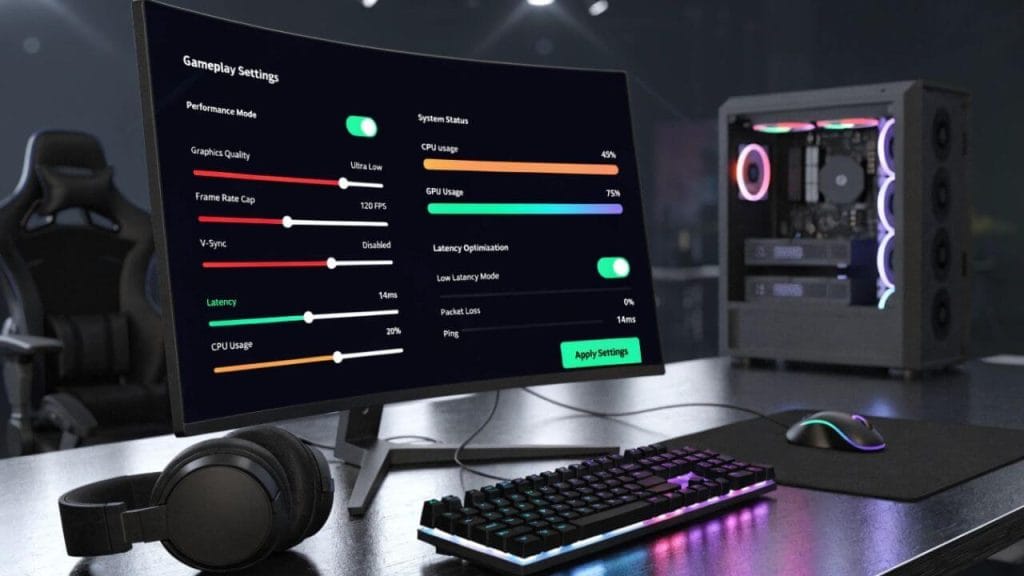
Switch to Performance Mode
A surprising number of players still avoid Performance Mode because they think lower graphics automatically means a worse experience.
That’s not really why competitive players use it.
Performance Mode reduces visual clutter.
And honestly, Fortnite has become visually noisy over the years.
Extra shadows, lighting effects, particles, and environmental details sometimes make fights harder to read. Once those distractions disappear, the game often feels cleaner almost immediately.
Not prettier.
Just easier.
That matters more during close-range fights.
Even players connected to organizations like FaZe Clan and Team Liquid prioritize clarity over visual quality in tournaments.
Recommended Competitive Settings
| Setting | Recommended |
| Rendering Mode | Performance |
| Shadows | Off |
| Effects | Low |
| Post Processing | Low |
| View Distance | Medium or Far |
| Motion Blur | Off |
These settings won’t magically turn someone into a pro player.
But they often make Fortnite feel more responsive.
Background Apps Quietly Hurt Fortnite Performance
This part sounds boring.
Unfortunately, it matters a lot.
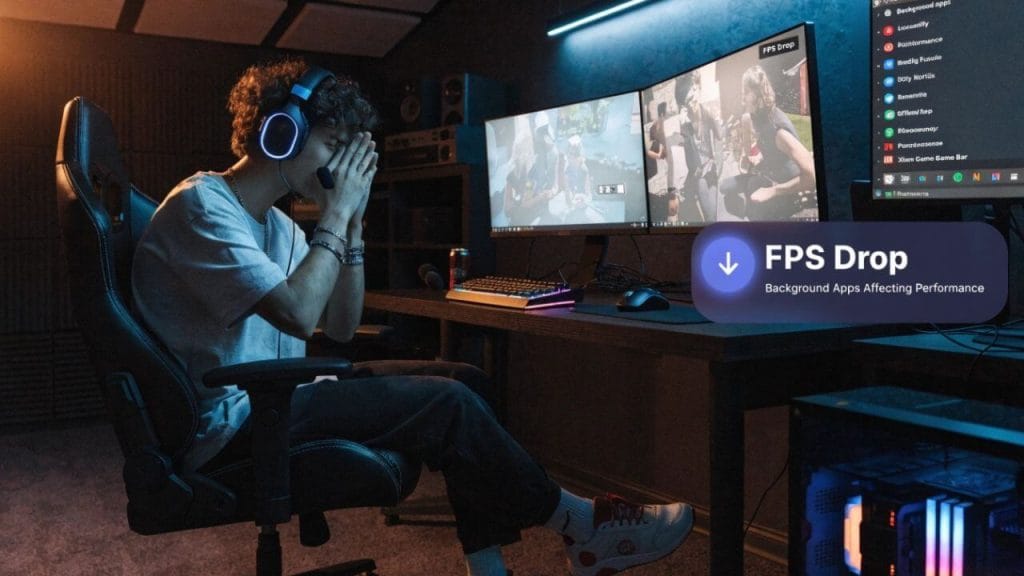
A huge number of Fortnite performance problems come from apps running in the background:
1. Chrome tabs.
2. Discord overlays.
3. RGB software.
4. Game launchers.
5. recording tools.
6. Startup applications.
Individually, they seem harmless.
Together, they create tiny delays that become noticeable during edits and fast shotgun fights.
One player recently upgraded to an RTX GPU and still complained that Fortnite felt laggy.
Turns out Discord overlays and browser tabs were eating CPU resources in the background.
After cleaning that up, the game suddenly felt smoother without changing hardware.
That happens more often than people think.
Most “Fortnite Tweaks” Online Are Honestly Overhyped
This is where optimization content gets messy.
YouTube is full of:
1. fake registry tweaks.
2. secret FPS boost packs.
3. copy-paste launch commands.
4. random optimization software.
5. questionable Windows edits
Some tweaks genuinely do nothing.
Others can actually make system stability worse.
That’s why experienced PC players usually stick to safer optimizations first:
1. updated GPU drivers.
2. Fullscreen mode.
3. lower visual effects.
4. Clean startup apps.
5. optimized NVIDIA settings.
6. stable FPS caps.
The boring tweaks usually work better.
Not as exciting for YouTube thumbnails, though.
NVIDIA Reflex Still Helps More Than People Realize
If you use an NVIDIA graphics card, Reflex is still one of the easiest free Fortnite tweaks available.
Especially for competitive gameplay.
Many casual players never use advanced graphics options, so they leave Reflex disabled without realizing it.
The difference is subtle.
But Fortnite is a game where subtle improvements matter.
Lower input latency can make edits feel more immediate and shotgun timing more consistent.
That’s why many high-level players still prioritize latency reduction over pure visual quality.
FPS Alone Doesn’t Guarantee Smooth Gameplay
This confuses people constantly.
High FPS does not automatically mean Fortnite will feel smooth.
A player with unstable 240 FPS can sometimes have a worse experience than someone holding stable 144 FPS.
Consistency matters more.
Frame pacing, input response, and visual clarity often affect gameplay more than raw numbers.
That’s one reason many experienced players cap FPS instead of running unlimited frames.
Unlimited FPS sounds powerful.
But unstable performance during chaotic fights usually feels worse.
The Monitor Problem Nobody Talks About Enough
Some players spend hours searching for tiny Fortnite tweaks while still playing on older 60Hz displays.
That’s a bigger limitation than most people realize.
Fortnite has become extremely fast-paced, especially in ranked matches and box fights. Higher refresh-rate monitors make movement and tracking feel smoother.
Not everyone needs expensive hardware.
Definitely not.
But sometimes players chase tiny optimization tricks while ignoring the biggest bottleneck sitting directly in front of them.
Why Fortnite Feels Inconsistent After Updates
Fortnite changes constantly.
That’s part of why optimization feels different every season.
Updates quietly change:
1. lighting.
2. animations.
3. rendering behavior.
4. texture streaming.
5. map assets.
6. Unreal Engine optimizations.
Tiny changes stack together.
So a setup that felt perfect three months ago may suddenly feel inconsistent after a new chapter or major patch.
A lot of players mistake that feeling for “getting worse at the game.”
Sometimes the game itself genuinely feels different.
The Free Tweak That Helped Me Most Personally
Lowering unnecessary visual effects helped more than aggressive FPS chasing ever did.
Once fights became visually cleaner, decision-making became easier, too.
That surprised me.
A lot of optimization guides focus entirely on frame numbers, but visual clarity matters just as much in Fortnite now.
Especially during chaotic late-game fights.
Sometimes optimization is less about making the game faster.
And more about reducing friction.
What Competitive Players Actually Prioritize
Not cinematic graphics.
Not maximum visual quality.
Consistency.
That’s usually the real goal.
Most competitive players care more about:
1. stable frame pacing.
2. lower input delay.
3. cleaner visibility.
4. Predictable aiming.
5. smoother edits.
6. reliable performance during fights.
Once the game feels consistent, mechanics become easier to trust.
And confidence matters a lot in Fortnite.
That’s more than many players realize.
Do Free Fortnite Tweaks Actually Improve FPS?
Sometimes, yes.
But the biggest improvements usually come from reducing background CPU usage, lowering unnecessary visual effects, and improving frame stability rather than chasing unrealistic “300 FPS boost” claims.
Fortnite performance is more about consistency than raw FPS numbers now.
Is Performance Mode Still Worth Using in 2026?
For most competitive players, yes.
Performance Mode still helps reduce visual clutter, improve responsiveness, and stabilize gameplay during chaotic fights.
Especially on mid-range PCs.
Can Fortnite Updates Affect Performance?
Absolutely.
Fortnite updates frequently change rendering behavior, lighting, texture streaming, and map assets. Even small engine changes can make the game feel different after updates.
That’s why some players suddenly notice stutters or input delay after the new season’s launch.
Are Registry Tweaks Safe for Fortnite Optimization?
Some are harmless.
Others can create instability or even reduce system performance over time.
That’s why most experienced players prefer safer optimizations first:
1. updated drivers.
2. optimized settings.
3. lower background usage.
4. stable FPS caps.
Which Tweak Usually Makes the Biggest Difference?
For many players:
1. Performance Mode.
2. reduced background apps.
3. lower visual clutter.
4. NVIDIA Reflex.
5. stable FPS caps.
These tend to improve gameplay and feel more consistent than aggressive “secret tweaks.
Final Thoughts
The reason “free tweaks for Fortnite” keeps trending isn’t just because players want higher FPS.
Many players feel Fortnite has become slightly inconsistent after recent updates, and they’re trying to make the game feel responsive again without spending money on expensive hardware upgrades.
Some tweaks genuinely help.
Others are mostly internet noise.
But in most cases, the best improvements come from simplifying things:
1. cleaner settings.
2. lower latency.
3. fewer background distractions.
4. stable frame pacing.
5. better visibility.
Nothing flashy.
Just a version of Fortnite that finally feels smooth again.